

This Is Modern Black Magic: I Tried Out "FACE SWITCH," a Deepfake AI That Can Be Either Heaven or Hell Depending on How You Use It
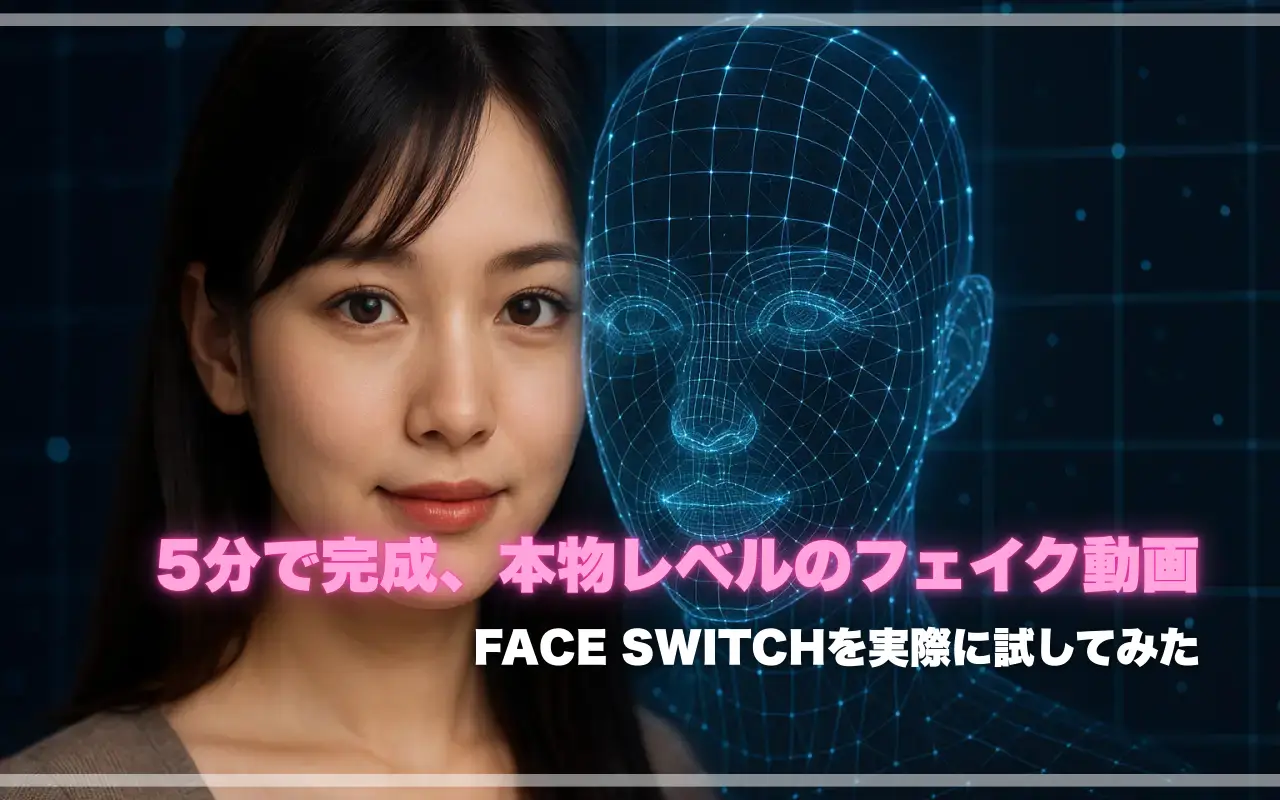
When people hear the term “deepfake,” many probably think it sounds “shady” or “somehow dangerous.” But once you actually try it out, you’ll often be amazed at just how far AI has come. In short, it’s “modern black magic”—the kind of thing that can be either heaven or hell, depending on how you use it.
"FACE SWITCH," the tool we’re introducing today, is a deepfake AI that’s quick and easy to use in Japanese. Just upload a single photo of your face, and choose your favorite video clip, and in just a few minutes, you’ll have a video that looks like you’re starring in it. The UI is simple, so even beginners can use it without getting lost.
Of course, there are clear boundaries regarding "how to use it," and posting on social media or distributing the content is strictly prohibited. The correct way to use it is strictly for "personal, private enjoyment". In this article, the Voyeurism Enthusiast editorial team shares their hands-on impressions and walks you through the workflow with screenshots, while also summarizing in a table how it differs from other deepfake AI tools. We hope this serves as a helpful reference for anyone looking to try it out.
We Tried It Out (Detailed Instructions)
When you hear “AI face swapping,” many people probably imagine a hacker-like black screen where you have to type in commands. But with FACE SWITCH, there’s absolutely no need for anything that complicated. When I actually tried it out, it was so simple that I couldn’t help but smile and think, “Wait, is that it?" It was so simple that I couldn’t help but smile.
That said, some people might feel anxious about trying it for the first time. So, I’d like to start by explaining the registration process for FACE SWITCH.
New Account Registration
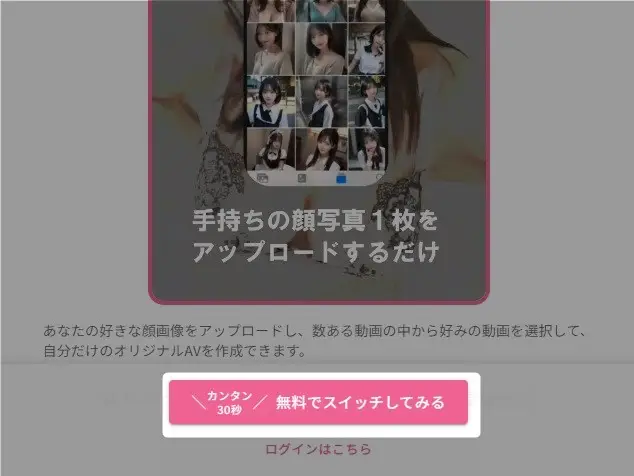
First, go to FACE SWITCH official website, and click "Try Switching for Free" at the bottom of the screen to get started.
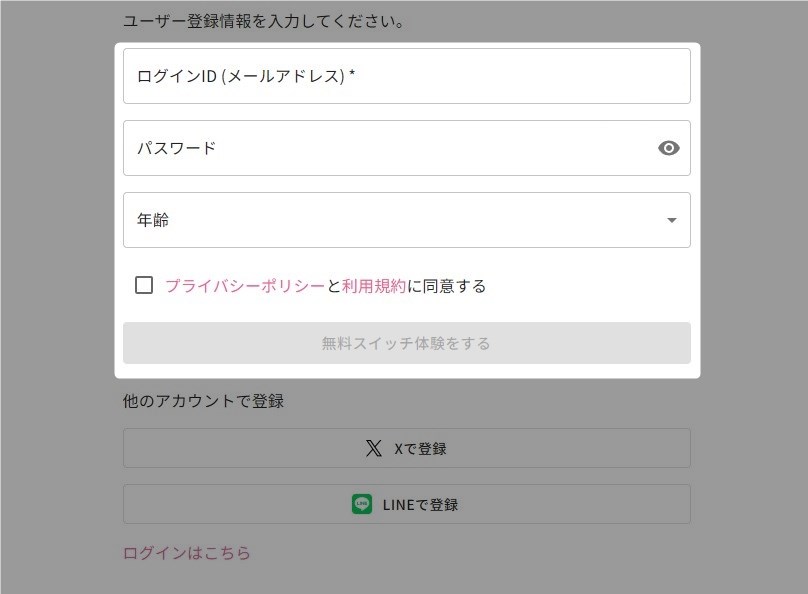
The registration process is incredibly simple: just enter your "Login ID (Email Address)", "Password", and "Age", check the privacy checkbox at the bottom, and click the "Try Switch for Free" button.
You can also register using your X (formerly Twitter) or LINE account, so if you have one of those, using it makes the registration process even easier.
By the way, for your age, you simply select from the 10-year increments in the dropdown menu, so there’s absolutely no need to enter any personal information.
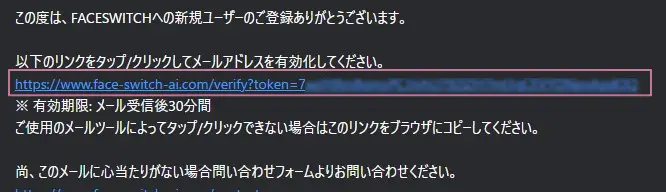
Shortly thereafter, an email will be sent to the registered email address; simply click the verification URL within it to complete registration.
As stated in the email, the verification URL is valid for 30 minutes after you receive the email, so please be mindful of this. By the way, if 30 minutes have passed, you can simply repeat the steps above, so there’s no need to worry.
After authentication, a tutorial using a free trial video will appear, so let's start by actually creating a video with this.
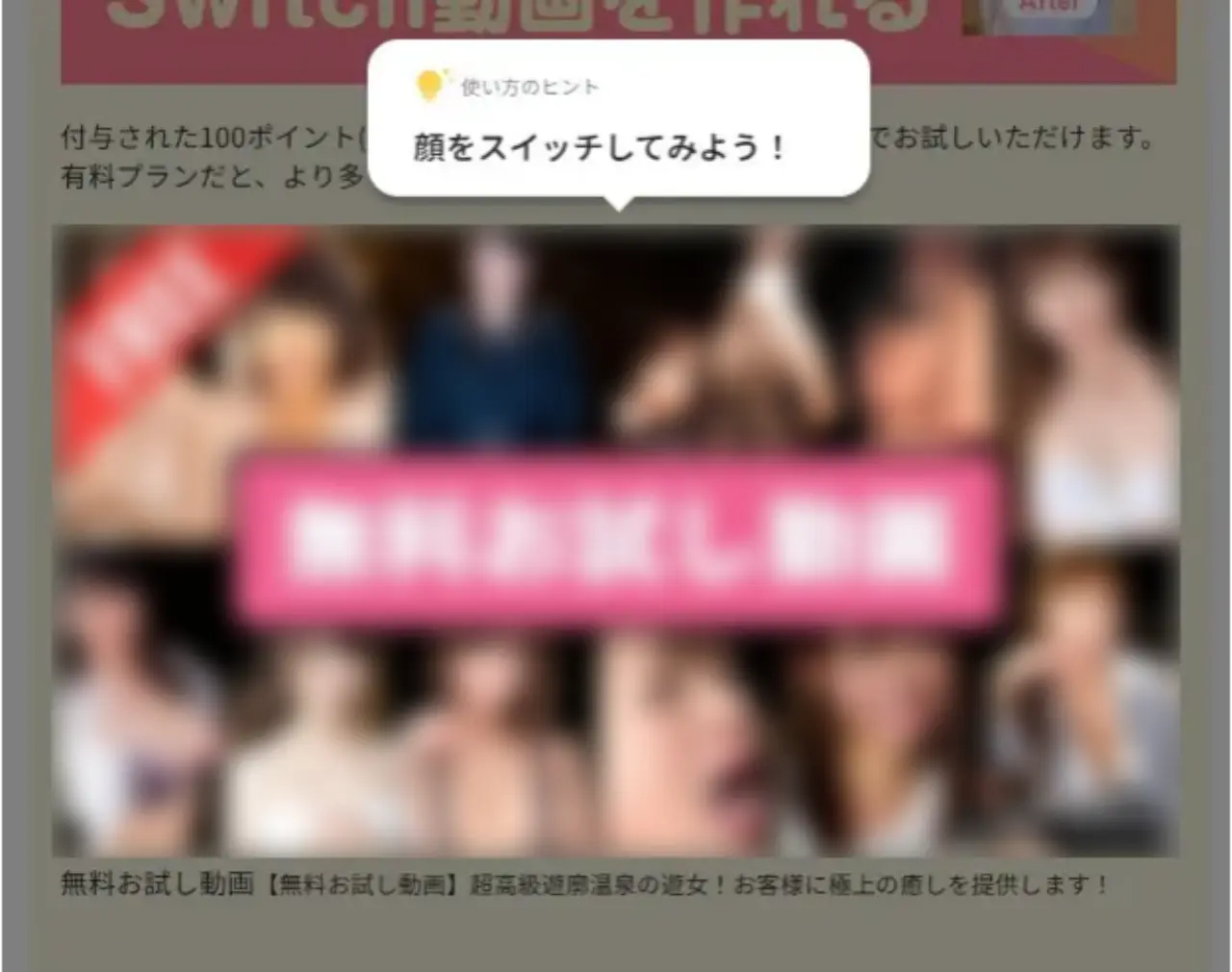
It takes just 3 steps to create a video.
Step 1: Upload a Photo of Your Face
First, just prepare one photo of your face to use. Here are the three key points.
- Take a photo from the front (no side profiles or angled shots)
- Take it in a well-lit area, making sure there are no shadows or hair covering your face
- Preferably a neutral expression or a slight smile
Actually, I tried uploading a photo of myself right after waking up with messy hair, and the part where my hair was covering my eyes was poorly composited—it was hilarious. As the official guidelines say, a “simple headshot” is definitely the way to go.
By the way, it seems that FACE SWITCH users often use photos of their favorite idols.
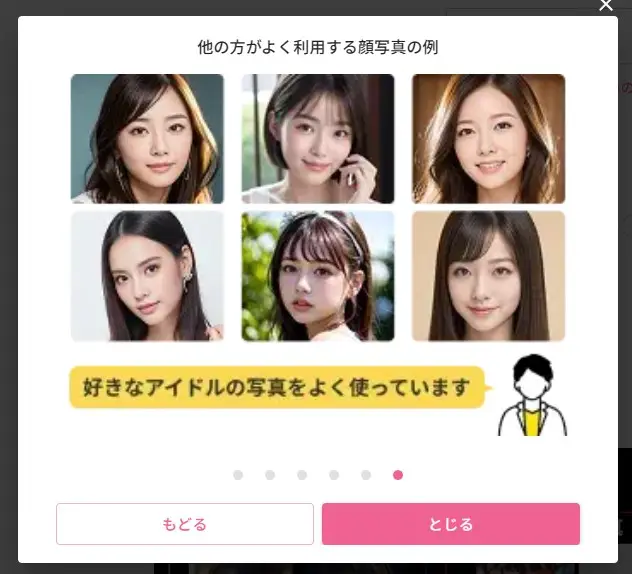
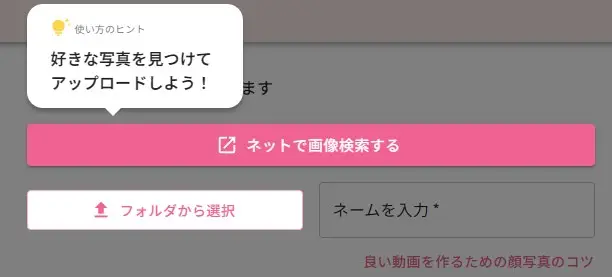
Of course, you can use a photo you already have for the deepfake, but if you want to try it out more casually, you can also grab one from an online image search.
I’ll avoid going into too much detail here, but if you click the image search button, you’ll see a long list of images of famous beauties, so please check the details for yourself with your own eyes.
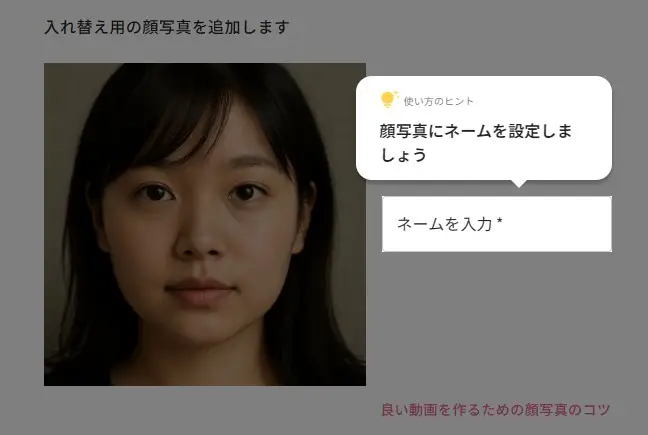
Of course, I can’t use images like that in the article, so I’m going to try creating a video using an AI-generated woman’s face.
Upload the AI-generated photo of a woman, then enter a name. Since this is an AI-generated photo, I decided to name her "Aiko."
Step 2: Choose a video clip
Once you've uploaded your photo, all you have to do next is choose "which scene to play in." As expected from a service partnered with FANZA, so there’s a wide variety of genres and scenes available.
You can also combine multiple scenes, and since the maximum length is 25 minutes, you can play around with everything from “just giving it a try” to “creating a full-length video.”
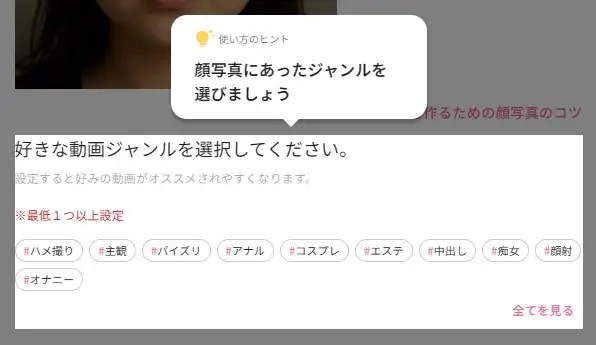
By the way, since this image looks like it features an amateur girl, I decided to try selecting "#POV".
Step 3: AI automatically composes the image
Next, click the "Add Face Photo" button. (Even if you don't need to add one)

Once you’ve finished preparing everything, click “Switch this character to XX Pt” to let the AI handle the rest. Rest assured that the images and videos uploaded here will not be published online or anywhere else.
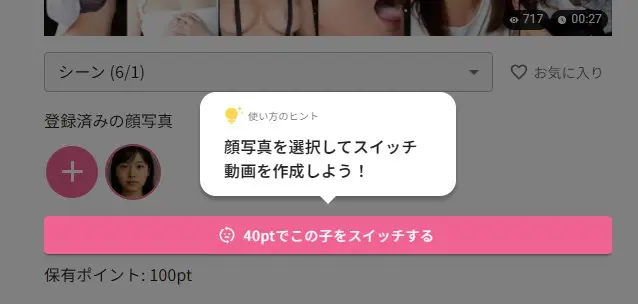
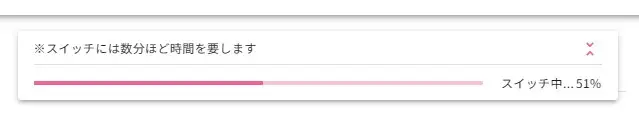
In this Switch session, the video was generated in less than a minute.
The generated video is located in the "Switched" tab, so simply click it to start playback.
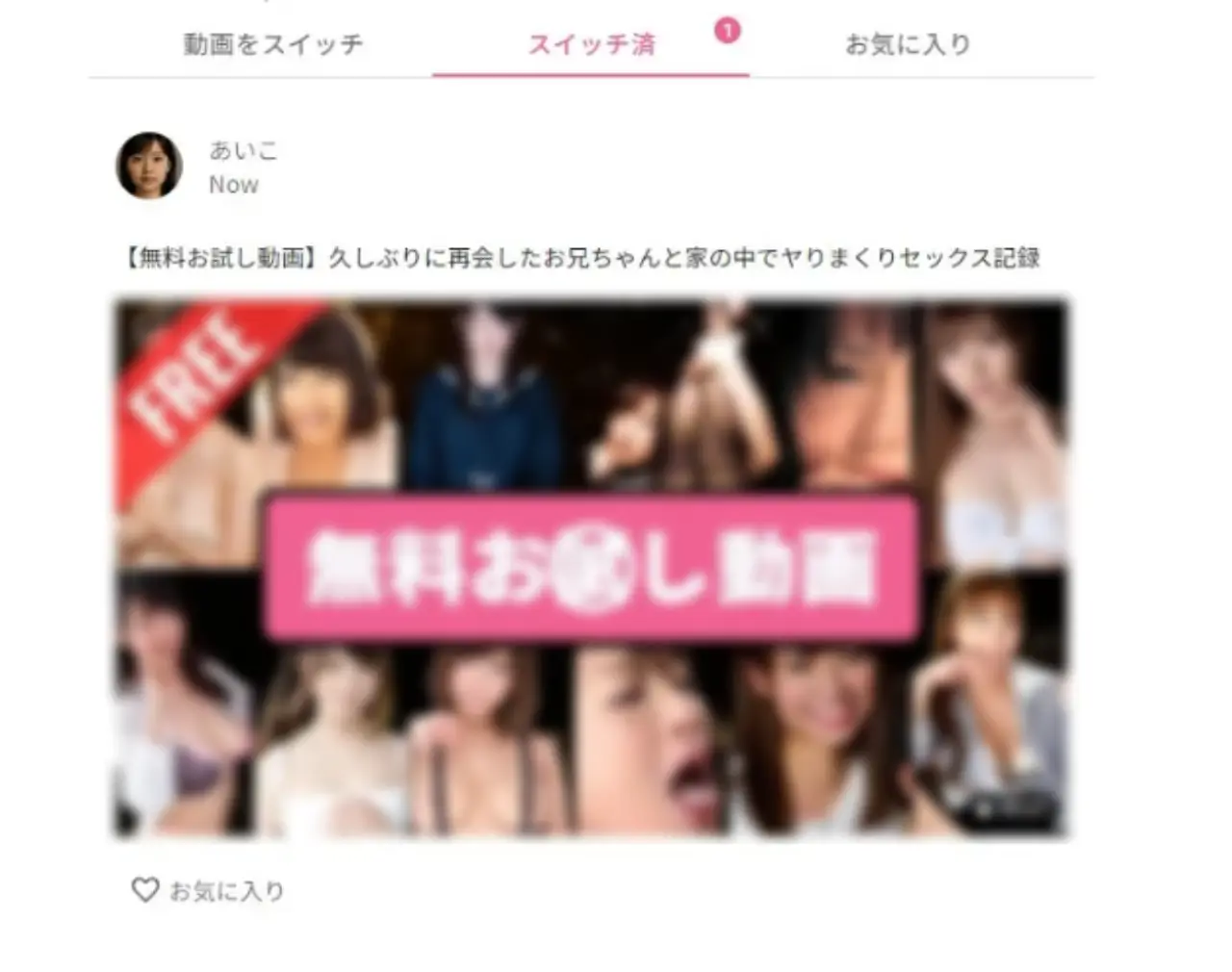
The AI character Aiko, just generated moments ago, is moving! She’s being penetrated! And she’s moaning!!
What honestly surprised me here was that the blinking and mouth movements looked quite natural. Of course, it wasn’t perfect—there were moments in longer scenes where the lip-sync was off—but at first glance, the result was so convincing that I thought, “Wait, is this real?”

My Thoughts After Trying It Out
The process itself is about as difficult as "sending a LINE message on a smartphone." Even my tech-challenged parents could probably do it if I explained it to them. On the flip side, it’s so incredibly simple that I felt there was a risk that anyone could misuse it if they wanted to.
That’s exactly why the “boundaries of usage” I’ll discuss later in this article are so incredibly important.
Try the paid version
You might feel that the features available so far are sufficient, but this is just a trial version. By upgrading to the paid version, FACE SWITCH will truly show its full potential.
Since we’re here, let’s take this opportunity to introduce the paid version’s deepfake features while actually trying them out.
As mentioned earlier, FACE SWITCH has partnered with FANZA, so you can freely use any videos you like from the vast selection available on FANZA. This time, let’s try creating a deepfake using a video from the “beauty salon” genre, which pairs well with voyeur-style content.
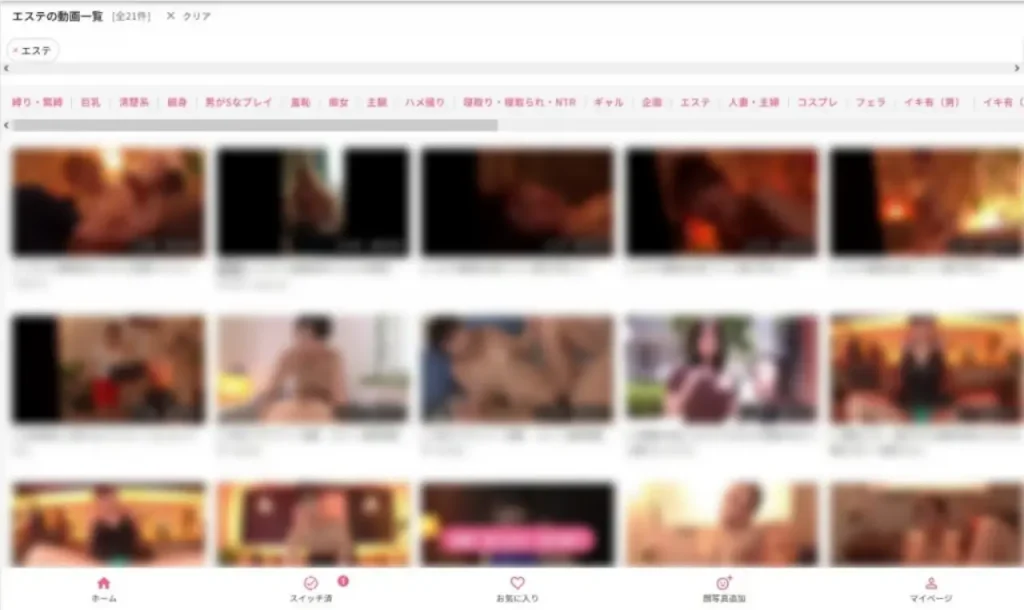
The process is exactly the same as the free version: just select a video you like, choose the woman you want to switch to on the next screen, and click the "Switch to This Girl" button.
If you're worried about the results, you can click "Check the results after switching for free" at the bottom to try it out without spending any points.
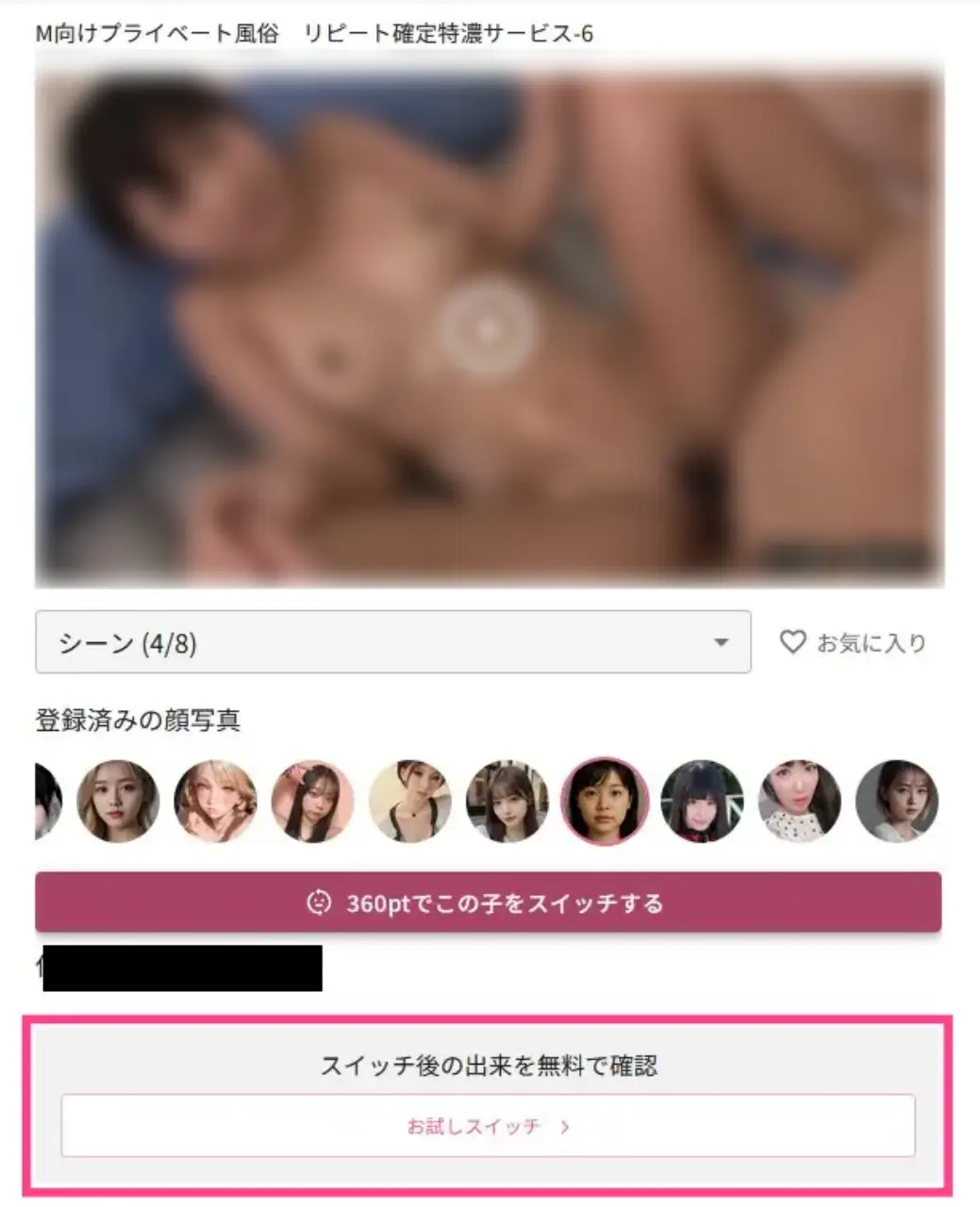
Once you click the button, all you have to do is sit back, have a cup of coffee, and wait for it to finish. Unlike the sample video, this is a longer video, so it took about 5 minutes to complete.
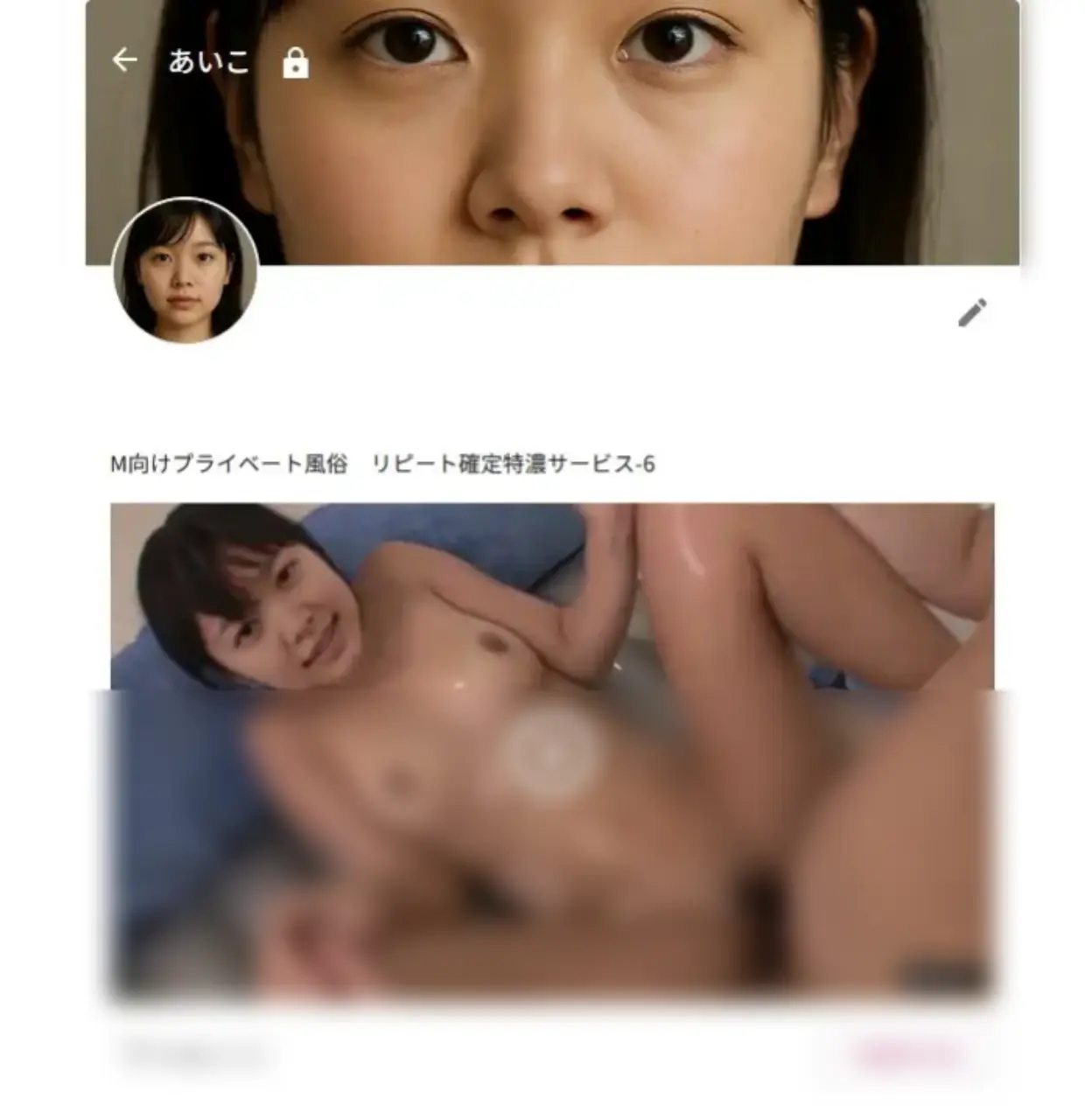
The finished video is stored in the "Switched" section of the left menu, which is convenient because you can watch it anytime you like.

Aiko, covered head to toe in lotion, spreads her legs on the mat to welcome the man. Looking at this, how many people would even realize she’s a woman based on AI…

Videos created from profile photos are also displayed in the "Profile Photo List" and will continue to accumulate on Aiko's dedicated page.
When you think of it as a "memory album" with a woman created to your liking, it even starts to feel a bit dangerous...
Accuracy and Results After Testing
When I actually generated a video, it was so natural I couldn’t help but exclaim, “Wow…!” The way the face follows the blinking of the eyes and the movement of the neck in particular gives it a completely authentic feel. Until a few years ago, my impression was that “deepfake videos = fake videos full of awkwardness,” , but I never imagined it would become this smooth.
What Surprised Me
Natural blinking and eye movements
Even the subtle gesture of squinting is reproduced, and honestly, it instantly feels like the real person.
Smooth transitions between facial expressions
The transition from a smile to a serious expression is seamless, to the point where you wouldn’t notice it’s fake at first glance.
Skin texture also looks very natural
Under bright lighting, it even naturally adjusts the skin tone.
A slight drawback
Lip-sync tends to drift in longer clips
In clips longer than 10 minutes, there are moments where the audio and lip movements appear slightly out of sync.
Struggles with hair and accessories
Bangs covering the face or eyeglass frames can interfere with the compositing, sometimes making those areas look out of place.
Dark Photos Are a No-Go
When I used a portrait with insufficient lighting, parts of the face were washed out, making it look like a "mask."
Tips for Improving Success Rates
After testing several different patterns, I found that using photos that meet the following conditions significantly increased the success rate.
- High resolution (at least 720px or higher)
- Facing forward with hair not covering the face
- Taken under bright lighting
In other words, a "face photo that’s just a slightly brighter version of an ID photo" is best.
Overall, this has completely moved beyond the level of “just playing around with photo editing” and has reached the point where it’s a fully-fledged “fake video.” If it popped up on social media, I suspect about 80% of people would scroll past it without noticing.
That’s exactly why we shouldn’t just brush it off as “fun”—we need to keep the potential dangers in mind.
Cost and Value for Money
Now, the question on everyone’s mind is, “How much does it actually cost?”
FACE SWITCH gives you 100 points for free to start with (enough for about one 5-minute video), so you can try it out for free first. That’s pretty generous.
Basic Pricing Structure
- Free Trial: Get 100 points upon registration → One trial video is free
- Monthly Plan: Points are awarded monthly for approximately 2,000–2,300 yen
- Additional Purchases: If you want to play more, you can purchase additional points on a pay-as-you-go basis
It’s what’s known as a “subscription + point-based” model.
Comparison with Other Services
- Reface → You can play for free, but if you want to use it seriously, it costs a little over 1,000 yen per month for a subscription
- HeyGen → More business-oriented and slightly pricier, starting at 3,000 yen per month
- DeepFaceLab → Free, but the PC requirements and time investment are
When compared like this, 2, 300 yen per month for a Japanese UI, support for long videos, and new clip additions is definitely good value for money. In particular, the fact that "you can use legal content via FANZA integration" is truly one-of-a-kind.
My honest thoughts
From the editorial team’s perspective, the free tier is plenty if you just want to “give it a try.”
But if you want to “play around with new clips every week” or “go all out with longer videos,” the monthly plan is the only way to go. In fact, considering the quality of the videos, the price in the 2,000 yen range is a bargain. If you think about it, for the cost of a single night out, you can create a video starring your favorite actress every week—so it’s actually great value for money .
Recommended Ways to Use It
"How exactly should I use FACE SWITCH?" Here are some recommended ways to use it, based on our editorial team’s hands-on experience. The key is to "keep it all within your own mind."
Enjoy it with your favorite idols or ideal types
This is the most natural way to use it. Using a prepared photo of your face as a base, composite it with scenes that catch your interest fulfilling the fantasy of “What if my favorite character appeared in this work…?” This is a way to enjoy the images solely within your own folder.
Cosplay-style fun
It’s also fun to swap in your face with the idea of “What if I were this character?” For example, using your own anime-style edited images or cosplay photos as source material lets you get a taste of fan creation.
Trying It as a Tech Demo
It’s also fun to intentionally feed the system poor-quality photos just to see the limits of the AI. If you try dark photos or ones where the face is turned sideways, the face swap breaks down and turns into “glitch art.” This is technically fascinating in its own right.
Save it secretly as a funny video
Posting this on social media breaks the rules, but it’s fine if you just enjoy it as a private joke video. Showing it to close friends at a drinking party and getting hyped up with “Isn’t this crazy?” is about the limit.
To sum up…
- Enjoy it by projecting your favorite character or ideal image onto it
- Play with it in a fan-fiction style, like cosplay
- Enjoying failed attempts as technical experiments
These three are safe and natural ways to enjoy the app. As long as you follow the two rules—"do not publish" and "do not use the faces of minors"—you can safely enjoy FACE SWITCH as "modern black magic."
The Dangers and Legal Risks of Deepfakes
Honestly, FACE SWITCH’s synthesis accuracy is “good enough to go unnoticed.” That’s exactly why, if you use it the wrong way, you could end up in deep trouble. Here, we’ll briefly outline the major risks to watch out for in Japan.
Copyright Infringement
The videos used for compositing are themselves protected by copyright. If you take movies or other people’s works, edit them without permission, and then publish them, you’re completely out of line. In fact, in the past, people who composited celebrities’ faces onto adult videos have been arrested for “copyright infringement.”
Distribution of Obscene Materials
If you spread “fake porn” online, there’s a high chance you’ll violate Article 175 of the Penal Code, even if it’s just a composite image. You may also be charged with defamation or obstruction of business in conjunction with this offense. This is no joke.
Unfair Competition Prevention Act and Other Laws
Using fake videos featuring people who look like celebrities to promote products may also violate the Unfair Competition Prevention Act. Since regulations specifically targeting deepfakes are likely to be strengthened in the future, it is almost certain that the rules will become even stricter than they are now.
Two Principles to Follow
- Do not publish (absolutely do not upload to social media, message boards, YouTube, etc.)
- Use only legal materials (official clips provided within the service + only safe photos you own)
Editor's Note
Ultimately, FACE SWITCH is “modern black magic.” Depending on how you use it, it can be “magic that makes you laugh and have fun,” but if you use it wrong, it becomes a “curse that hurts people.” That’s why I believe the only right answer is to use it responsibly.
That said, there’s no need to be overly afraid. This is because FACE SWITCH is a legitimate, official service partnered with FANZA, a major platform, and its launch involved thorough consultations with specialized legal counsel.
There are actually a huge variety of deepfake-related services out there. Here’s a rough breakdown:
| DeepFaceLab | For serious users. It’s free, but setting up the environment and technical knowledge are required. |
|---|---|
| Reface | Easy to use on a smartphone app. Great for funny videos and social media posts. |
| Zao | It took China by storm, but the barrier to entry is now quite high. |
| HeyGen / D-ID | More for business. Strong for presentation videos and educational use. |
| FACE SWITCH | Japanese UI, supports long videos, and uses legal content for safety. Unique for domestic users. |
Key Features of FACE SWITCH
1. No confusion with the Japanese UI
Foreign-made products are inevitably English-based. Many people struggle with the settings, but FACE SWITCH supports Japanese from the start, so there’s no stress.
2. Supports Long-Form Content
Reface and Zao mainly handle clips ranging from a few seconds to a few dozen seconds. In contrast, FACE SWITCH supports videos up to 25 minutes. Being able to create a single, relaxed video is a huge plus.
3. Peace of mind with legal content
Thanks to our partnership with FANZA, you can enjoy the service without worrying about potential copyright issues. This actually provides a significant sense of security.
So, which one should you choose?
- Want to have some quick fun with a joke? → Reface
- Serious research & editing enthusiast → DeepFaceLab
- Want to use it for work (education/sales) → HeyGen or D-ID
- Want to “enjoy long videos with peace of mind”? → FACE SWITCH
Ultimately, the best approach is to choose a service based on your “intended use.”
However, if you want to play with peace of mind in Japanese, FACE SWITCH definitely stands out as the clear leader.
Conclusion (Summary)
When people hear the term "deepfake," many think of it as a "dangerous technology" or a "hotbed of fake news." However, I believe that services like FACE SWITCH—which have undergone proper legal review and been designed with a Japanese UI so users can enjoy them with peace of mind—are among the few ways to safely experience this "modern black magic."
As you’ll see when you actually try it, the controls are super simple, and the results are surprisingly natural. For a monthly fee about the cost of a single night out, if you can experience your own “what-if” scenarios, it’s not a bad deal value-wise.
However, as I’ve said many times before, if you break these two rules—not publishing your creations and using only legal materials—you’ll find yourself in hell in an instant. This isn’t something you can just laugh off; there’s a real risk of legal and personal ruin, so be very careful.
To sum it up—
- FACE SWITCH is a “black magic experience device” that even beginners can easily play with
- If used incorrectly, it can lead to backlash and legal trouble
- If used responsibly, it’s an incredibly fun entertainment tool
Instead of avoiding technological advancements as “scary,” we should enjoy them as “fun” by following the right rules. Isn’t that the way we should approach deepfakes from now on?
In any case, I hope you’ll start by experiencing its amazing capabilities for free.